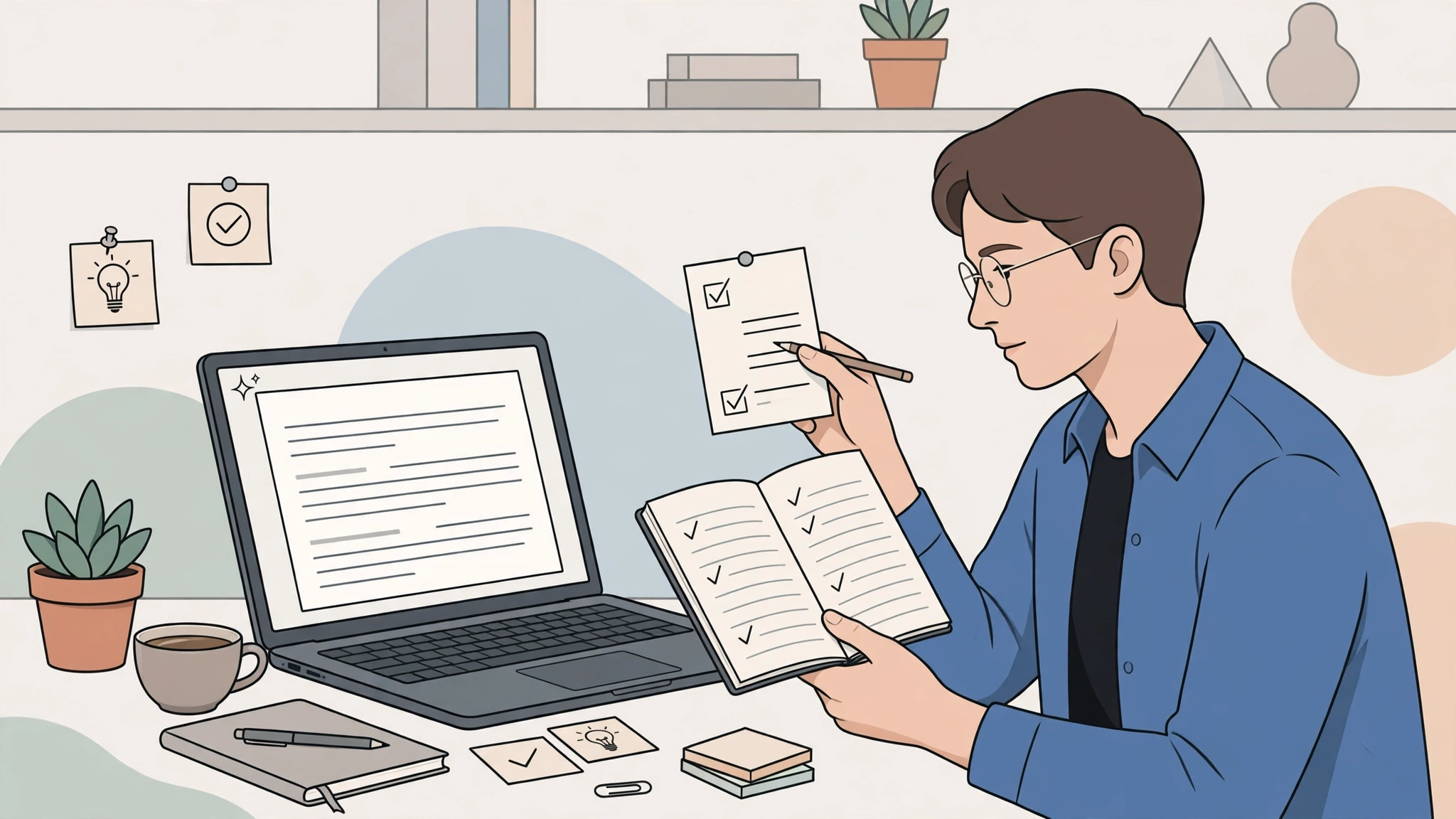
AI at work can save hours or create new problems, depending on how you use it. It can draft an email in seconds, summarize a meeting you missed, turn notes into a plan, and help you practise a difficult presentation. It can also invent facts, flatten your voice, leak sensitive information, or make you dependent on answers you do not understand. Learning how to use ai at work is therefore not just a technical skill. It is a professional judgment skill.
Your edge at work rarely comes from producing words faster than everyone else. It comes from understanding the problem, knowing the context, making trade-offs, building trust, and taking responsibility for results. AI should support those strengths. Use it to remove friction from routine work, explore options, and prepare better first drafts. Keep your own thinking in charge of decisions, relationships, and final quality.
Start with the Right Jobs for AI
The safest and most productive AI tasks are easy to check and costly to start from scratch. Drafting, summarizing, reformatting, brainstorming, translating, and turning bullet points into a structured document are strong examples. AI is also useful for explaining unfamiliar terms, generating interview questions, preparing checklists, and converting a long thread into action items.
Good tasks share three features
First, the input is clear: you can provide the notes, data, or source material. Second, the output is reviewable: you can spot errors before anyone relies on it. Third, the cost of a mistake is manageable: a rough first draft is fine, but a legal filing, medical instruction, financial commitment, or safety procedure needs far stricter controls. When those features are present, AI can be a genuine accelerator rather than a risk multiplier.
Tasks to handle with caution
Be careful with performance reviews, hiring decisions, disciplinary messages, confidential strategy, customer complaints involving harm, and anything that requires current verified facts. AI can help you prepare or organize your thoughts, but biased, inaccurate, or insensitive output can damage real people. In sensitive work, the question is not “Can AI write this?” It is “Should this be delegated, and what human checks are required?”
Write Prompts Like a Clear Brief
Many disappointing AI results come from vague requests. “Write a report” gives the model little to work with. A better prompt explains the audience, purpose, source material, structure, tone, and limits. Think of it as briefing a capable new colleague who is fast but does not know your workplace politics, history, or unspoken standards.
A practical prompt pattern
- Goal: “Turn these meeting notes into a decision summary for managers.”
- Context: “The project is two weeks behind because a supplier changed dates.”
- Inputs: paste the notes or data the answer must use.
- Format: “Use decisions, owners, deadlines, and open risks.”
- Guardrails: “Do not invent dates. Flag anything unclear in the notes.”
Then iterate. Ask for a shorter version, a more diplomatic tone, or three alternative openings. Specific feedback works better than starting over. If the answer is generic, add an example of what good looks like. If it is too long, define the decision the reader must make and remove everything that does not support it.
Use AI Across the Working Day
AI becomes more useful when it fits into existing routines. Before a meeting, it can summarize background documents and propose questions. During writing tasks, it can outline, draft, and edit. After a call, it can convert a transcript into decisions and follow-ups. For analysis, it can help group feedback, spot themes, create formulas, or explain a chart in plain language.
Meetings: prepare better, follow up faster
Meeting waste often comes from unclear purpose and forgotten actions. Use AI to draft an agenda from the goal, summarize pre-reads, and identify decisions needed. Afterwards, require a human to verify names, dates, and commitments in the summary. Automated notes are helpful, but a wrong deadline in a polished summary is still wrong. The time saved should be spent confirming ownership, not retyping notes.
Writing and communication
AI can help you start difficult messages, adapt tone, and check clarity. It is particularly good at turning rough thoughts into a structure: context, issue, options, recommendation, next step. Keep your own voice by editing for specifics only you know: the customer’s history, the team’s constraints, the reason one option is politically or practically impossible. Those details are often the difference between generic competence and trusted professional work. Managers see similar gains when routine coordination is connected properly, as in AI automation for small businesses, where the tool speeds up the process but people still set priorities.
Verify Before You Send, Share, or Decide
The central rule of workplace AI is simple: never let fluent output skip verification. AI can state false facts confidently, cite sources that do not exist, misread numbers, or overlook a condition buried in your input. The more polished the answer looks, the easier it is to stop checking. That is exactly when errors slip through.
A quick verification routine
Check names, numbers, dates, and claims against the source. Ask whether the conclusion actually follows from the evidence. Look for missing stakeholders and unstated assumptions. If the output recommends action, identify what would make the recommendation wrong. For calculations, test with a spreadsheet or a second method. For external facts, use authoritative sources rather than asking the same model to confirm itself.
Keep an audit trail for important work
For significant documents, save the source material, note where AI assisted, and record who reviewed the final version. This is not bureaucracy; it is accountability. If a client, manager, or regulator asks how a number was produced, “the AI said so” is not an answer. Your professional credibility depends on being able to explain and defend the work with your name on it.
Protect Privacy, Confidentiality, and Trust
Workplace information often includes customer data, employee details, contracts, source code, financial results, and strategic plans. Before pasting anything into an AI tool, know whether your employer approves that tool, where the data goes, whether it may be stored or used for training, and what your industry rules require. Personal accounts and public tools are not automatically safe for company material.
Use the minimum necessary information
Redact names, account numbers, health details, and other sensitive data when they are not needed for the task. Replace real examples with placeholders. Prefer approved enterprise tools with clear data controls for internal documents. If you are unsure, ask your manager, IT, legal, or compliance team before uploading. A few minutes of caution can prevent a breach that no productivity gain can justify.
Be transparent with colleagues and clients
Different workplaces have different expectations about disclosure. Follow your organization’s policy. Even when formal disclosure is not required, avoid presenting AI-generated analysis as if you personally verified every line when you did not. Trust is a professional asset. People can accept AI assistance; they are less forgiving when they feel misled about authorship, evidence, or effort.
Build Skills AI Cannot Replace
The fear that AI will make human skills less valuable is understandable, but the more useful response is to strengthen the skills that make AI output valuable. Domain knowledge lets you spot nonsense. Critical thinking lets you frame better questions. Communication lets you adapt a draft to real humans. Relationship skills help you negotiate, persuade, mentor, and repair trust when a project goes wrong.
Stay close to the real work
Do not let AI separate you from customers, data, craft, or consequences. Keep doing some tasks manually often enough to understand them. Talk to users. Read primary sources. Practise explaining decisions without notes. If you only review machine drafts, your judgment may slowly become shallow. If you use AI to explore more examples and test your thinking, your judgment can become sharper.
Learn in small weekly loops
- Pick one workflow: choose a recurring task that wastes time but is easy to verify.
- Create a prompt template: save the brief, format, and guardrails that work.
- Compare results: measure time saved and errors caught, not just speed.
- Share safely: show colleagues the method and the checks, not just the output.
- Review monthly: update templates as tools, policies, and risks change.
Working with Managers, Teams, and AI Policies
Individual skill matters, but workplace AI works best when teams agree on norms. Without shared expectations, one person may use AI freely, another may fear it is cheating, and a manager may not know what has been automated. That confusion creates uneven quality and unnecessary suspicion. A short team conversation can prevent most of it: which tools are approved, which data is off-limits, which outputs need review, and how assistance should be disclosed.
Agree on review levels
Not every output needs the same scrutiny. A brainstorm list can be lightly reviewed. An internal summary needs a check against the source. A customer-facing document needs brand, legal, and factual review where relevant. A decision about hiring, pricing, safety, or discipline needs senior human accountability and may need formal approval. Putting tasks into simple review tiers helps people move quickly without pretending all risks are equal.
Share prompts, not just results
Teams improve faster when they share the method behind a good output. A useful prompt library should include the task, the template, an example input, the checks to perform, and known failure modes. This turns one person’s experiment into a reliable workflow. It also makes training easier for new staff, who can learn both the tool and the standards at the same time. Keep the library in an approved workspace and update it when policies change.
Managers have a particular responsibility. They should model careful use, ask how results were verified, and reward people for catching AI errors rather than only for producing work quickly. If speed is the only metric, staff will hide uncertainty and skip checks. If quality and learning are visible goals, teams will build healthier habits. Leaders should also watch workload honestly: AI may remove drafting time, but it can increase review load. Good adoption redesigns the process instead of simply demanding more output from the same people.
When conflict appears, return to purpose and evidence. Did the tool save time? Did it introduce errors? Did clients notice a difference? Did anyone feel misled? Those questions keep the discussion practical. AI policy should not be a slogan for or against technology. It should be a living agreement about quality, responsibility, privacy, and trust in the way your team actually works.
Frequently Asked Questions
Will using AI at work make me look lazy?
Not if you use it transparently and deliver better, well-checked work. Professionals have always used tools to remove routine effort. The risk is submitting generic or unverified output and calling it finished. Your reputation should rest on the quality of the final result and your ability to explain it.
What should I never paste into a public AI tool?
Avoid passwords, personal data, customer records, confidential contracts, unreleased financial results, source code your employer has not approved for sharing, and any regulated information. When in doubt, redact heavily or use an approved workplace system. If the information would cause harm if leaked, do not paste it.
How do I keep my skills sharp while using AI?
Use AI after attempting an outline or answer yourself, compare approaches, and study where the model is stronger or weaker. Keep practising core tasks, read source material, seek feedback from experts, and regularly explain your work without AI assistance. Treat the tool as a sparring partner, not a substitute brain.
The Bottom Line
To use AI at work without losing your edge, give it the routine, reviewable parts of the job and keep ownership of context, judgment, ethics, and relationships. Prompt clearly, verify carefully, protect confidential information, and keep practising the skills that make your work trustworthy. AI can make you faster. Only you can make the work wise, credible, and worth putting your name on.