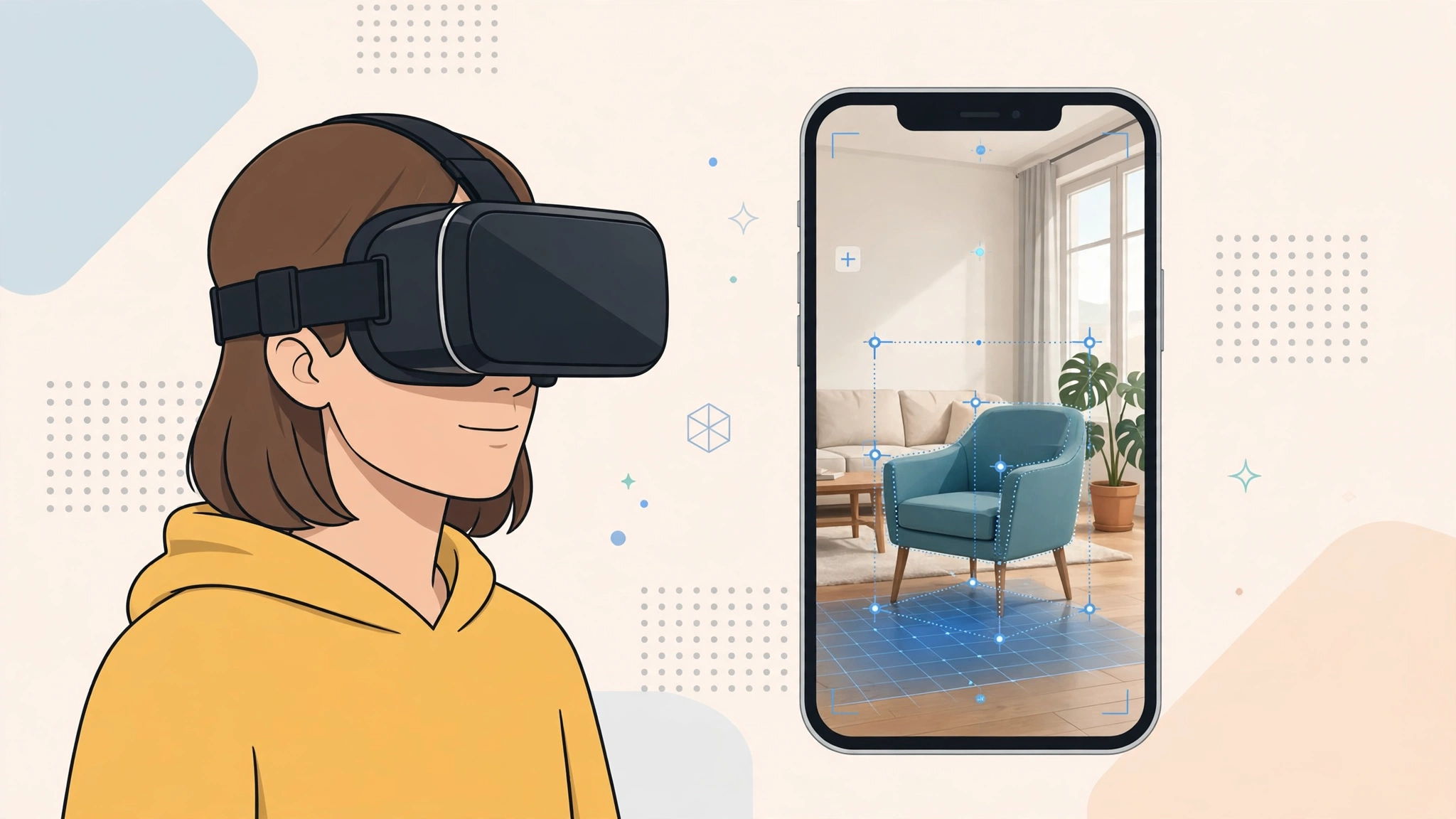
Augmented reality and virtual reality are often mentioned in the same breath, sold in similar headsets, and confused with each other constantly. Yet they do opposite things. One replaces the world around you; the other adds to it. If you have ever wondered about ar vs vr — what each technology actually is, what you can do with it, and which one deserves your money — this guide breaks it down in plain language, from the hardware and how it works to the real-world uses, costs, and where both are heading next.
What Is Virtual Reality?
Virtual reality (VR) transports you into a completely digital environment. Put on a VR headset and the real room disappears, replaced by a game world, a virtual office, a training simulation, or a front-row seat at a concert happening on another continent. Your view fills your whole field of vision, the scene moves naturally as you turn your head, and hand controllers let you reach for, grab, and manipulate objects that do not exist.
How VR Works
A VR headset contains two small, high-resolution screens, one for each eye, showing slightly different images that your brain fuses into a single three-dimensional scene. Sensors track the position and rotation of your head many times per second, and the image updates instantly to match, which is what makes the illusion convincing. Better headsets add eye tracking, precise controller tracking, and spatial audio that places sounds in the virtual space around you. The quality of the illusion depends heavily on speed: any lag between moving your head and the image catching up breaks immersion and can cause motion sickness, so VR hardware is obsessed with high frame rates and low latency.
The Main Types of VR Headsets
Standalone headsets, led by Meta’s Quest range, contain their own processor, battery, and storage, need no cables or computer, and are the easiest way into VR. PC-connected headsets trade that freedom for power, using a gaming computer to deliver sharper graphics for demanding games and professional simulations. Console VR, such as PlayStation VR2, sits between the two. Prices range from a few hundred pounds for capable standalone models to well over a thousand for high-end systems with controllers and a suitable PC.
What Is Augmented Reality?
Augmented reality (AR) keeps the real world in view and layers digital information on top of it. The most successful AR product in history is probably already in your pocket: phone apps that place a virtual sofa in your living room, put filters on faces, show walking directions as arrows on the street through your camera, or let cartoon creatures appear in your local park. The digital content is anchored to real places and objects, and it moves correctly as you move.
How AR Works
AR uses cameras and sensors to understand the space around you: where the floor, walls, and tables are, how the light falls, and how you are moving. Software called SLAM — simultaneous localisation and mapping — builds a live map of the environment and pins virtual objects to it so a digital chair stays put when you walk around it. Phones and tablets do this through the screen. AR glasses do it through transparent lenses, projecting images into your view while you see the world directly. Dedicated glasses such as Microsoft’s HoloLens target business users, while consumer smart glasses from several brands are adding displays, cameras, and voice assistants to ordinary-looking frames.
Why AR Is Harder Than It Looks
Blending digital objects into reality convincingly is a tough technical problem. Virtual items must be hidden correctly when a real object passes in front of them, lit to match the room, and stable to a fraction of a millimetre as you move. Glasses must do all of this in a light, all-day wearable with a small battery, which is why phone-based AR arrived years before good AR glasses, and why the glasses that exist still involve trade-offs in field of view, brightness, and price.
AR vs VR: The Key Differences Side by Side
The simplest way to remember the distinction: VR replaces reality, AR enhances it. In VR you are fully immersed and cut off from your surroundings, typically sitting or standing in a cleared space, interacting with a wholly digital world. In AR you stay present in your real environment, aware of people and obstacles, while digital content joins it. That difference drives everything else. VR demands your full attention and suits dedicated sessions of gaming, training, or focused work. AR fits into ordinary life — working, walking, shopping, fixing things — because it never asks you to leave the real world behind.
And Where Does Mixed Reality Fit?
Mixed reality (MR) is the blurry middle that modern headsets increasingly occupy. Devices like Meta Quest 3 and Apple Vision Pro use cameras to show you the real world on their screens — called passthrough — and blend digital objects into it convincingly. Functionally they behave like AR, but built on VR-style hardware. Apple prefers the term spatial computing for the same idea. For buyers, the labels matter less each year; what matters is whether a device can do full VR, believable real-world blending, or both, and how well.
Cost, Comfort, and Content
VR is cheaper to start because a standalone headset is all you need, and its content libraries are mature, with thousands of games and experiences. High-quality AR glasses remain expensive or limited, although phone AR is free to anyone with a recent smartphone. Comfort favours AR for long wear since glasses are lighter and you keep natural vision, while VR headsets can feel heavy and isolating after an hour. Both fields now lean heavily on artificial intelligence for hand tracking, scene understanding, and realistic avatars, so the experiences improve with every generation of hardware and software.
The Best Uses for Each Technology
VR shines wherever full immersion is the point. Gaming is the headline use, but training may be the most valuable: airlines, hospitals, retailers, and the military use VR to rehearse dangerous, expensive, or rare situations safely and repeatedly, from surgery to emergency landings. VR also serves remote collaboration in virtual offices, virtual tourism and property tours, therapy for phobias and PTSD under professional guidance, and design work where engineers walk around a building or car that has not been built yet.
Where AR Wins
AR excels at helping with the task in front of you. Warehouse staff see picking instructions in their view, field engineers get repair steps overlaid on the machine they are fixing, and surgeons can view scans aligned with the patient. Shoppers preview furniture, paint colours, glasses, and makeup at home before buying. Students point a phone at a diagram and watch it come alive. Navigation arrows on the real street, live translation of signs through a camera, and museum guides that recognise exhibits are all everyday AR already. The pattern is consistent: VR is for going somewhere else, AR is for doing this, here, better.
Which One Should You Buy?
Let your main use decide. If you want games, fitness workouts, immersive films, and virtual travel from your sofa, buy a standalone VR headset; it is affordable, self-contained, and endlessly entertaining. If your interest is practical help layered onto daily life, start with the AR already on your phone — shopping, navigation, and translation apps cost nothing to try — and consider smart glasses only if you have a specific job or hobby they serve, since the technology is still young and prices are high. Curious about both? A mixed reality headset is now the sensible compromise, handling full VR when you want escape and passthrough AR when you want assistance, in one device.
Whichever you choose, try before you spend serious money if you can. Comfort is personal, motion sickness affects some VR users, and glasses wearers should check fit and prescription lens options. And keep expectations honest: both technologies are impressive and improving quickly, but neither is yet the all-day, invisible companion that marketing renders promise.
Health, Comfort, and Safety Considerations
Neither technology is risk-free, and a little preparation prevents most problems. In VR, motion sickness is the most common complaint: it strikes when what your eyes see disagrees with what your inner ear feels. Starting with short sessions, choosing comfortable, slower-moving experiences, and stopping at the first sign of nausea helps most people adapt within a week or two. Take breaks every 30 minutes, both for your eyes and your balance, and always clear the play area of furniture, pets, and cables before you put the headset on, because you cannot see any of them once you are inside.
Eye Strain, Privacy, and Children
AR and VR screens sit close to your eyes, and long sessions can cause the same eye strain as any display, so the familiar habits apply: blink, look into the distance regularly, and keep sessions moderate. Privacy deserves thought too. These devices carry cameras, microphones, and detailed maps of your home, and they track your movements and even your gaze. Review what each platform records, where recordings are stored, and how to delete them, and be considerate about filming other people with camera glasses. For children, follow the age guidance on the box, supervise use, and favour shared, short experiences over long solo sessions, because research on developing eyes and brains is still catching up with the technology.
Frequently Asked Questions
What is the main difference between AR and VR?
Virtual reality replaces your surroundings entirely with a digital world, viewed through an enclosed headset. Augmented reality leaves the real world visible and adds digital content on top of it, through a phone screen or transparent glasses. VR is for immersion; AR is for assistance in the real world.
Is mixed reality the same as AR?
They are close cousins. Mixed reality blends digital objects into the real world so the two interact — a virtual ball rolling under a real table, for example. Many modern headsets achieve this with cameras and passthrough video rather than transparent lenses. In everyday conversation, MR and AR are often used interchangeably, and most current devices offer a mix of AR, MR, and VR features.
Do I need a powerful computer for VR?
Not necessarily. Standalone headsets such as the Quest range run everything on the headset itself and need no computer at all. A gaming PC is only required for PC-VR headsets and the most demanding simulations, where it delivers sharper graphics and larger worlds in exchange for the cable, cost, and setup.
The Bottom Line
The ar vs vr question is not really a contest. VR takes you somewhere else and owns entertainment, simulation, and training. AR stays with you in the real world and owns guidance, shopping, and everyday information. Mixed reality headsets are merging the two into single devices, so the smart move is to choose based on what you want to do — escape, assistance, or a bit of both — and let the labels take care of themselves. Try a friend’s headset, test the free AR apps already on your phone, and notice which experience you keep thinking about afterwards. That reaction, more than any specification sheet, benchmark, review score, or marketing promise, tells you which reality is genuinely the right one for you, your budget, your home, and the way you actually spend your free time every single week of the year.