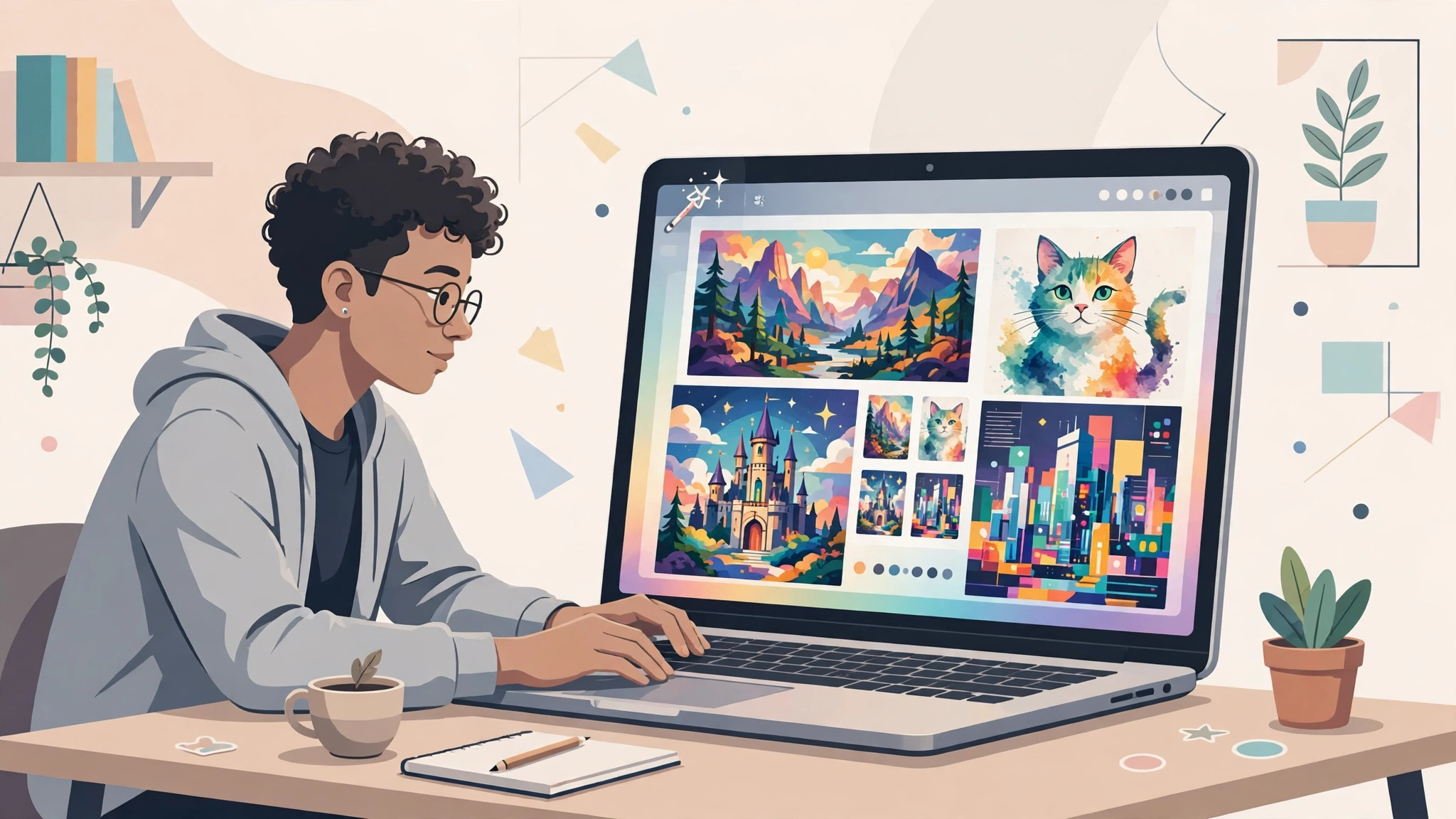
Type a sentence, wait a few seconds, and watch a picture appear that never existed before. That is the simple magic of ai image generators, and it explains why they have become one of the most popular entry points into artificial intelligence. Bloggers use them for article illustrations, marketers use them for ad concepts, and hobbyists use them just for the joy of creating something. If you have never tried one, this guide will walk you through what these tools are, how they work under the hood, which ones are worth your time, and how to write prompts that produce images you actually want to keep.
What Are AI Image Generators?
AI image generators are software tools that create pictures from written descriptions, a process often called text-to-image generation. You describe what you want to see — “a lighthouse at sunset, painted in watercolor” — and the system produces an original image that matches your description. Some tools can also edit existing photos, extend an image beyond its borders, or create variations of a picture you upload.
These tools are not searching the internet for a matching photo. They generate a brand-new image every time, pixel by pixel, based on patterns they learned during training. That is why two runs of the same prompt rarely produce identical results, and why the same sentence can yield something brilliant or something baffling.
Who Uses Them?
The audience is broader than you might expect. Content creators generate featured images and social media graphics. Small business owners mock up product photos and logos before hiring a designer. Teachers create illustrations for lessons. Game developers prototype characters and environments. And millions of people use them purely for fun, turning wild ideas into wallpapers, avatars, and gifts.
How Do AI Image Generators Work?
You do not need a technical background to use these tools, but a basic understanding of how they work will help you write better prompts and set realistic expectations.
Trained on Millions of Images
During development, the AI model studies enormous collections of images paired with text descriptions. By seeing countless examples — photos of dogs labeled “dog,” paintings of mountains labeled “mountain landscape” — it learns statistical relationships between words and visual features like shapes, colors, textures, and lighting.
Diffusion: From Noise to Picture
Most modern generators use a technique called diffusion. The model starts with a canvas of random visual noise, similar to television static. Guided by your prompt, it gradually removes and reshapes that noise over dozens of small steps until a coherent image emerges. Think of a sculptor starting with a rough block and refining it pass by pass, except the sculptor is checking your description at every step to decide what to carve next.
Why Prompts Matter So Much
The model only knows what you tell it. A vague prompt like “a dog” leaves thousands of decisions — breed, pose, setting, style, lighting — to chance. A specific prompt like “a golden retriever puppy sitting in autumn leaves, soft morning light, shallow depth of field, photorealistic” hands the model a clear brief. The gap between disappointing and delightful results is usually the prompt, not the tool.
Popular AI Image Generators Compared
New tools appear constantly, but a handful of names dominate the beginner conversation. Here is a practical overview.
Midjourney
Midjourney is famous for producing striking, artistic images with a distinctive polished look. It runs through a chat-style interface and a web editor, and it excels at portraits, fantasy scenes, and anything where mood matters. It is subscription-based, and many designers consider its default output the most “finished” looking of the major tools.
DALL·E (via ChatGPT)
DALL·E, built by OpenAI, is integrated into ChatGPT, which makes it extremely beginner-friendly: you simply describe what you want in conversation and refine it by chatting. It follows instructions well, handles text in images better than most rivals, and is a sensible first tool if you already use ChatGPT for writing or brainstorming.
Stable Diffusion
Stable Diffusion is an open model that you can run on your own computer or through many third-party services. It offers the most control and customization — including fine-tuned versions trained for specific styles — but it has a steeper learning curve. If you like tinkering, it is the most flexible option; if you want instant results, start elsewhere.
Other Worthwhile Options
- Adobe Firefly — built into Adobe’s creative apps and trained on licensed content, which appeals to businesses worried about commercial use.
- Ideogram — known for handling text and logos unusually well.
- Leonardo AI — popular with game artists and illustrators for its style controls.
- Microsoft Designer / Image Creator — a free, simple way to experiment through Bing.
Most tools offer a free tier or trial, so the smartest approach is to test two or three with the same prompts and see which style suits you.
How to Write Prompts That Actually Work
Prompting is a skill, and a few habits will improve your results immediately.
Build Your Prompt in Layers
A reliable formula combines five elements:
- Subject: who or what is in the image (“a red fox”)
- Action or pose: what it is doing (“leaping over a fallen log”)
- Setting: where it is (“in a snowy pine forest at dawn”)
- Style: the visual language (“cinematic wildlife photography” or “flat vector illustration”)
- Details: lighting, mood, colors, camera angle (“golden hour light, mist, low angle”)
Iterate Instead of Restarting
Your first result is a draft, not a verdict. If the composition is right but the colors are wrong, ask for a variation or adjust one element at a time. Changing everything at once makes it impossible to learn what worked. Keep a small notebook of prompts that produced results you liked — you will quickly develop a personal style library.
Use Negative Prompts Where Supported
Some tools let you specify what to avoid, such as “no text, no watermark, no extra fingers.” This is especially useful for common flaws. If your tool does not support negative prompts, describing the positive opposite (“clean background, natural hands”) often helps.
Practical Uses for Beginners
Beyond experimentation, image generators slot neatly into everyday workflows. Bloggers create unique featured images instead of overused stock photos. Social media managers draft campaign visuals in minutes. Sellers visualize product packaging before printing anything. Writers illustrate scenes from their stories to stay inspired.
These tools become even more powerful when combined with other automation. Many small teams now pair image generation with writing assistants and scheduling tools, a pattern we explore in our guide to AI automation for small businesses. The image generator handles the visuals, the writer drafts the captions, and a human reviews everything before it goes live — faster output without giving up quality control.
A Sensible Beginner Workflow
- Write down the purpose of the image before you prompt (blog header, ad, poster).
- Generate four to eight variations of your best prompt.
- Pick the strongest, then upscale or lightly edit it.
- Check hands, text, and small details at full size before publishing.
- Save the winning prompt so you can reproduce the style later.
Limitations and Things to Watch
Honesty matters here: these tools are impressive, not perfect.
Anatomy and Text Glitches
Hands with the wrong number of fingers, garbled letters on signs, and subtly warped objects remain common failure points, though newer models have improved dramatically. Always zoom in and inspect details, especially in photorealistic images.
Bias and Sameness
Because models learn from existing imagery, they can reproduce stereotypes and default to predictable compositions. Deliberately specifying diverse subjects, unusual angles, and fresh settings produces more original work.
Copyright and Commercial Use
The legal landscape around AI-generated images is still developing, and rules differ by tool and country. Check the terms of the service you use: paid plans usually grant broader commercial rights than free tiers. Avoid prompting for images “in the style of” a living artist for commercial projects, and never generate deceptive images of real people. When in doubt, treat AI output as a starting point you substantially refine, not a finished asset you blindly ship.
Choosing the Right Tool for Your Goal
With so many options, beginners often ask which generator is “best.” The honest answer is that each tool has a personality, and the best choice depends on what you make most often.
Match the Tool to the Task
If you illustrate blog posts and need friendly, conversational refinement, DALL·E inside ChatGPT is hard to beat. If you create posters, album covers, or fantasy art where atmosphere is everything, Midjourney’s artistic defaults shine. If you are a marketer at a company with strict legal review, Adobe Firefly’s licensed training data offers peace of mind. And if you are a hobbyist who wants to experiment endlessly without a subscription meter running, a local Stable Diffusion setup rewards the effort of learning it.
Consider the Whole Workflow
Raw generation is only half the job. Ask practical questions before committing: Does the tool upscale images to print quality? Can it keep a character or product consistent across several images? Does it offer an editor for fixing small flaws, or will you need separate software? Can you organize and search your past creations? A generator with slightly weaker raw output but a smooth editing workflow often produces better finished work than a stronger model that leaves you stuck with almost-right images.
Start Free, Then Specialize
A good path for most beginners: spend one week experimenting with free tiers, generate the same five prompts in each tool, and compare honestly. Notice which results you would actually publish. Then pay for one month of the winner and push it hard — learn its settings, aspect ratios, and style controls. Depth with one tool beats shallow dabbling in five, and the prompting skills you build transfer when you eventually try the others.
Frequently Asked Questions
Are AI image generators free to use?
Many offer free tiers with daily limits or watermarks, including Microsoft Image Creator and the trial versions of several major tools. Serious or commercial use usually requires a paid plan, which typically costs about the same as a streaming subscription and removes limits while granting clearer usage rights.
Can I sell images I create with an AI generator?
Often yes, but it depends on the tool’s terms of service and your plan level. Read the licensing section before selling anything, avoid imitating trademarked characters or living artists’ styles, and remember that purely AI-generated images may receive limited copyright protection in some jurisdictions.
What is the best AI image generator for a total beginner?
DALL·E inside ChatGPT is the gentlest starting point because you refine images through plain conversation. Midjourney is the favorite for artistic quality, and Stable Diffusion suits people who want maximum control. Try the free options first and let your own results decide.
The Bottom Line
AI image generators turn written descriptions into original pictures in seconds, and they are far easier to start with than most people expect. Learn the basics of how diffusion models work, pick one beginner-friendly tool, and practice the layered prompt formula: subject, action, setting, style, details. Iterate patiently, inspect your results closely, and respect the legal and ethical boundaries. Within an afternoon, you will be creating images that would have required a camera, a studio, or a hired illustrator — and that creative leverage is exactly why these tools are here to stay.