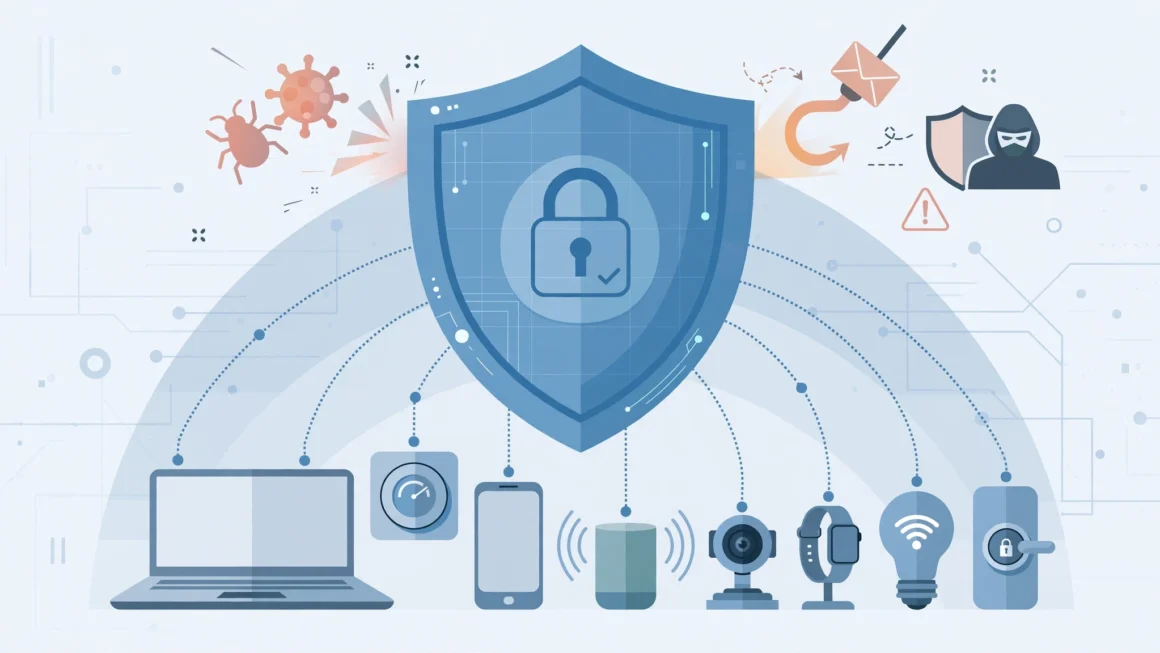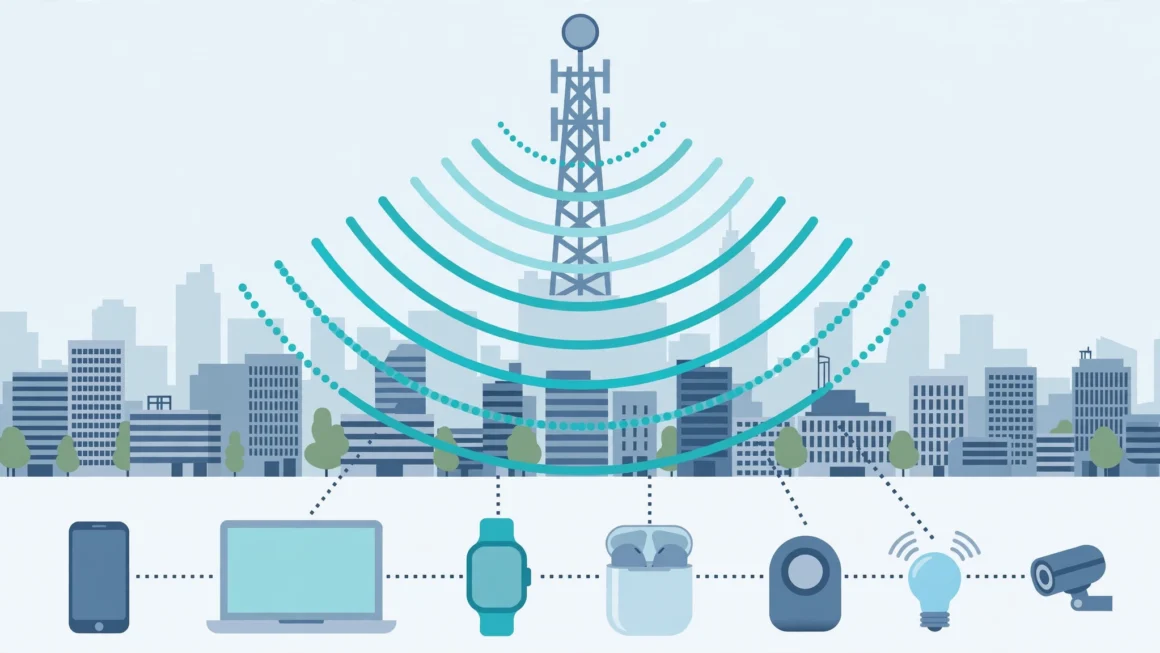
Every website you visit, app you open, and smart device you use collects information about you — often far more than you would knowingly hand over. The good news is that privacy is not all-or-nothing. With a handful of deliberate habits and settings, you can sharply reduce how much of your life is tracked, traded, and stored. This guide gathers the most effective online privacy tips for 2026, organised from quick wins to deeper protection, so you can start wherever you are.
Why Online Privacy Matters More Than Ever
Personal data is the raw material of a vast advertising and analytics economy. Companies build detailed profiles — your location history, interests, health questions, political leanings, and purchasing habits — to predict and influence behaviour. That data does not always stay where you left it: it is shared with partners, sold to brokers, and exposed in breaches. Once leaked, information cannot be un-leaked.
Privacy is also about safety and fairness. Stolen data fuels identity theft and convincing scams. Detailed profiles can shape the prices you see, the job adverts you are shown, and the news that reaches you. Protecting your privacy is therefore not paranoia; it is ordinary digital housekeeping, like locking your front door.
The “I Have Nothing to Hide” Myth
Most people would not hand a stranger their diary, bank statements, and a list of everywhere they went last month — yet default settings quietly assemble exactly that picture. Privacy is not about hiding wrongdoing; it is about keeping control of your own information and deciding who gets access to it, and why.
Step One: Lock Down Your Accounts
Use a Password Manager and Unique Passwords
Reusing passwords is the single biggest account risk. When one site is breached, criminals try the same email-and-password pair everywhere else. A password manager generates and stores a long, unique password for every account, so you only remember one master password. This one change closes the most common door attackers use.
Turn On Two-Factor Authentication Everywhere
Two-factor authentication (2FA) adds a second proof — usually a code from an authenticator app or a hardware key — before anyone can sign in. Even if your password leaks, the account stays locked. Enable it first on email, banking, and social accounts, and prefer authenticator apps over text messages, which can be intercepted through SIM-swap fraud.
Review Who Has Access
Over the years, most people grant dozens of apps and websites access to their Google, Apple, or Facebook accounts. Visit those account dashboards, remove anything you no longer use, and delete old accounts entirely where possible. Every dormant account is a forgotten copy of your data waiting for a breach.
Step Two: Reduce Tracking While You Browse
Choose a Privacy-Respecting Browser
Your browser sees everything you do online. Privacy-focused browsers block third-party trackers by default, while mainstream browsers offer strong tracking-protection settings if you turn them on. Whichever you use, enable “block third-party cookies” and “send do-not-track” style protections, and consider a reputable tracker-blocking extension.
Search Without Being Profiled
Mainstream search engines log your queries to build advertising profiles. Privacy-focused search engines deliver results without storing your history or linking searches to your identity. Switching your default search engine takes thirty seconds and removes one of the richest sources of personal profiling.
Understand Cookies and Consent Banners
When a site asks you to accept cookies, the “reject all” option is usually there — sometimes one extra click away. Accepting everything lets hundreds of trackers follow you across sites. Take the extra second to reject, and clear cookies periodically for sites where you do not need to stay signed in.
Step Three: Protect Your Phone and Apps
Phones are our most revealing devices, carrying location, messages, photos, and health data. Practical defences include:
- Audit app permissions: deny location, microphone, contacts, and photo access to apps that do not genuinely need them.
- Limit ad tracking: turn off personalised advertising identifiers in your phone’s privacy settings.
- Keep software updated: updates patch the security holes that data thieves exploit.
- Download from official stores only: sideloaded apps are a common route for spyware.
- Check privacy labels: app stores now summarise what data an app collects — use them before installing.
Be Careful With Free VPNs and Free Apps
If a product is free, your data may be the product. Some free VPN services log and sell the very browsing they claim to protect. Choose established, independently audited providers, and remember that a VPN hides your traffic from your internet provider — it does not make you anonymous to the websites you log into.
Step Four: Share Less on Social Media
Social platforms encourage oversharing, but small changes help a lot. Set profiles to friends-only where possible, review your audience before posting location or travel plans, and avoid quizzes and games that harvest personal details often used as security answers. Think twice before posting children’s photos publicly, and regularly review tagged photos and old posts — your privacy settings today cannot retract what was public for years.
Businesses face the same trade-offs at scale: the same discipline behind good privacy — collect less, share deliberately, automate the safeguards — is what makes AI automation safe to adopt in customer-facing tools, where respecting user data is both a legal duty and a trust advantage.
Step Five: Guard Your Communications and Money
Use messaging apps with end-to-end encryption so only you and the recipient can read conversations. For email, consider providers that minimise scanning and offer encrypted options. When shopping, prefer credit cards or payment services over debit cards for stronger fraud protection, check for the padlock and correct domain before paying, and be suspicious of any message — however official it looks — that pressures you to click and “verify” your details. Type the address yourself instead of following links.
Freeze, Monitor, and Check for Breaches
Sign up for breach-notification services that alert you when your email appears in a known data leak, and change the affected password immediately. Where available, a credit freeze prevents criminals from opening accounts in your name. A quarterly ten-minute review — new alerts, account activity, bank statements — catches problems while they are still small.
Step Six: Shrink the Data Trail You Leave Behind
Beyond the accounts you control, hundreds of data brokers compile and sell profiles built from public records, loyalty schemes, and purchased datasets. You cannot erase yourself completely, but you can reduce the pile. Search your name and address periodically to see what is publicly visible, and use the opt-out pages that major brokers are legally required to offer in many regions. Privacy laws such as Europe’s GDPR and California’s consumer privacy rules give you rights to see, download, and request deletion of data companies hold about you — rights that work only if you exercise them. A simpler everyday habit helps too: when a shop, app, or website asks for information it does not need for the service — your date of birth for a newsletter, your phone number for a one-off purchase — decline or use a secondary email address reserved for sign-ups.
Separate Your Identities Where It Counts
Using different email addresses for banking, shopping, and social media limits how easily separate data trails can be merged into one profile, and it contains the damage if one address is flooded with spam or caught in a breach. Many email providers let you create aliases that forward to your main inbox, giving you separation without juggling multiple accounts.
Privacy for Families and Children
Children build data profiles before they can read. Smart toys, learning apps, and video platforms all collect information, and schools increasingly rely on online services. Parents can help by reviewing the privacy settings on children’s accounts, choosing apps that state clearly they do not sell data, keeping location sharing off by default, and talking early about what should never be shared online — full names, school details, addresses, and photos in uniform. The goal is not fear but habit: children who grow up treating personal information as valuable will protect it instinctively as adults.
Your One-Hour Privacy Tune-Up
If the full guide feels like a lot, this condensed checklist delivers most of the benefit in about an hour:
- Install a password manager and change your email and banking passwords to unique passphrases.
- Turn on two-factor authentication for email, banking, and social accounts.
- Switch your browser to block third-party cookies and trackers; change your default search engine.
- Audit phone app permissions and delete apps you no longer use.
- Set social media profiles to friends-only and review old public posts.
- Remove unused third-party apps connected to your Google, Apple, or Facebook accounts.
- Turn on breach alerts for your main email address.
Repeat the review a couple of times a year. Privacy is not a one-time setting but a light, recurring routine — and each pass takes less time than the first, because most items will already be in order and you will only be catching what changed: a new app here, a reset setting there, one more connected service to remove.
Know Your Rights — and Use Them
Depending on where you live, the law may already be on your side. European and UK residents can demand to see the data a company holds on them, correct errors, and request deletion under data protection law. Several US states, Brazil, and other countries grant similar rights to access, delete, and opt out of the sale of personal information. Companies must provide a way to make these requests — usually a privacy page or email address — and respond within a set period. It takes effort, so prioritise the companies that hold the most sensitive data about you: your bank, health providers, major platforms, and data brokers. Even where no specific law applies, asking costs nothing, and reputable companies increasingly honour deletion requests as a matter of policy and trust.
Frequently Asked Questions
Does incognito or private browsing mode protect my privacy?
Only partly. Private mode stops your browser from saving history and cookies on your device, but websites, your internet provider, and your employer or school network can still see your activity. It is useful, but it is not invisibility.
What is the single most important privacy step I can take?
Use a password manager with unique passwords and turn on two-factor authentication for your email and financial accounts. Together they prevent the account takeovers that cause the most real-world harm.
Can I completely stop companies from collecting my data?
Realistically, no — some collection is essential for services to work, and data brokers operate widely. But you can reduce your exposure dramatically, opt out where the law allows, and make the data that does leak far less useful to criminals.
The Bottom Line
Online privacy in 2026 is not about disappearing from the internet; it is about making deliberate choices instead of accepting every default. Unique passwords with two-factor authentication, a tracker-blocking browser, careful app permissions, restrained social sharing, and encrypted communication together remove the great majority of everyday tracking and risk. Work through the steps in this guide one section at a time, and within an hour you will be meaningfully harder to profile, scam, or breach — while using the internet exactly as you did before, just on your own terms. Perhaps most importantly, privacy habits compound: each setting you fix stays fixed, each tracker you block stays blocked, and each account you delete is one less copy of your life stored on someone else’s server. You will never have perfect privacy, and you do not need it — you only need to stop giving your information away by default, to everyone, forever, without ever having decided to.