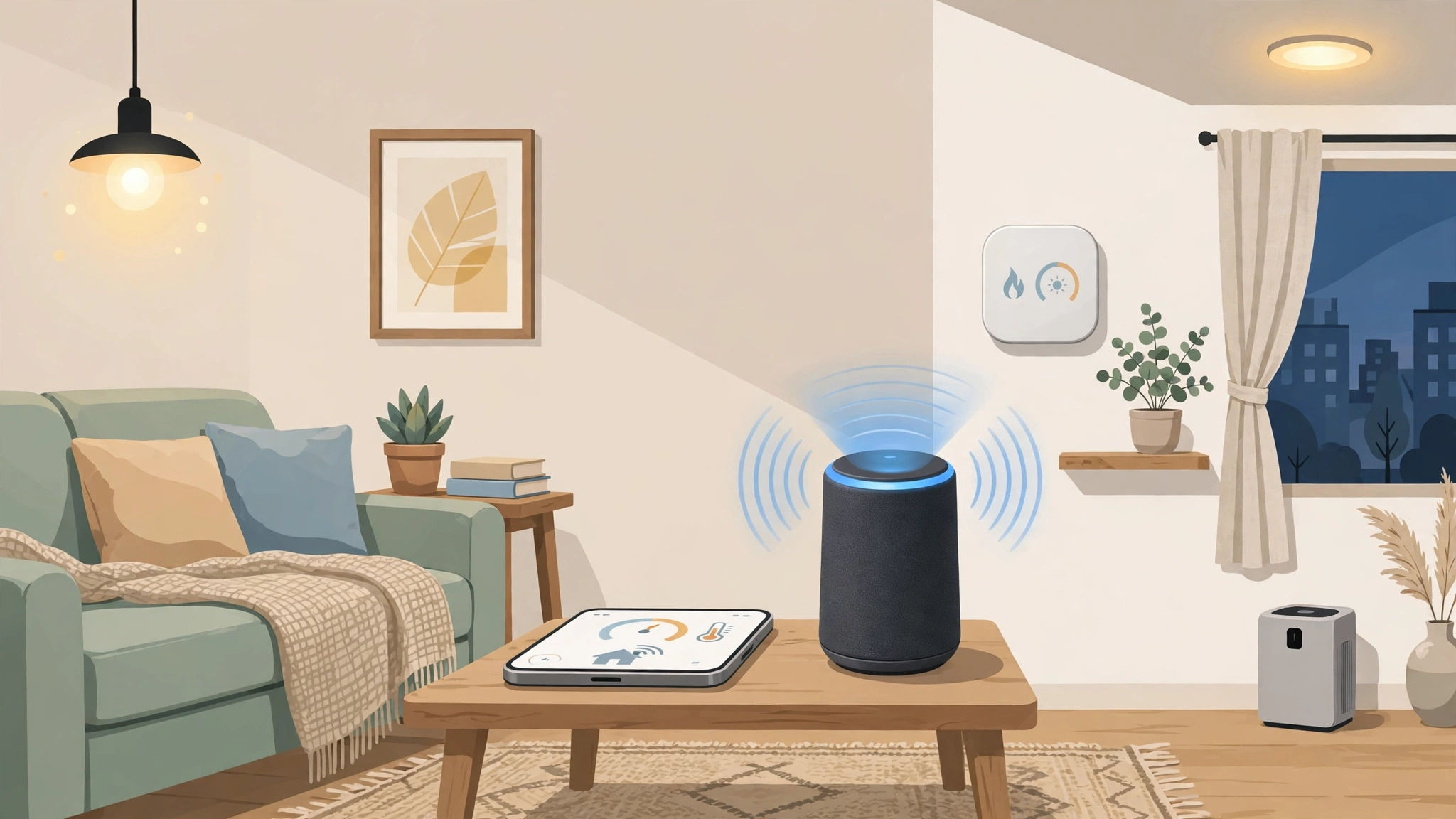
Lights that switch on as the sun goes down, a thermostat that learns your routine, a doorbell that shows you who is outside while you are at work — the smart home has moved from science fiction to the high street. Yet for many people the first step feels confusing: dozens of brands, competing standards, and apps for everything. The good news is that building a smart home for beginners does not require a big budget or an engineering degree. It requires a sensible starting point, a little patience, and a plan to grow one device at a time. This guide walks you through the basics: what a smart home actually is, which platform to choose, the best first devices, and the mistakes to avoid along the way.
What Makes a Home “Smart”?
A smart home is simply a home where devices such as lights, plugs, thermostats, cameras, and locks connect to the internet and to each other, so you can control and automate them from a phone, by voice, or on a schedule. The magic is rarely in any single gadget. It is in the automations: the hallway light that turns on when motion is detected after dark, the heating that pauses when you leave the house, the coffee machine that starts when your alarm goes off. Each device is modest on its own; together they quietly remove dozens of small frictions from daily life.
Most smart devices connect through your home Wi-Fi, while some use low-power radio standards designed for home gadgets. You do not need to understand the engineering to use them, but one idea matters from day one: your devices should ideally work together inside one app or ecosystem, rather than forcing you to juggle six different apps for six different brands.
Step One: Choose Your Ecosystem
The biggest beginner decision is which voice assistant and platform will sit at the centre of your home. The three main options are Amazon Alexa, Google Home, and Apple HomeKit. All three control lights, plugs, thermostats, and cameras from a wide range of brands, and all are operated by voice through a smart speaker or your phone.
How to Decide
- Apple HomeKit suits iPhone households. It is strong on privacy, works beautifully with Apple devices, and is the natural choice if your home is already full of Apple gear — though it supports a slightly narrower range of accessories.
- Amazon Alexa has the widest device compatibility and frequent discounts on Echo speakers, making it a popular and affordable starting point.
- Google Home shines if you use Android and Google services, with a particularly natural voice assistant for questions and routines.
There is no wrong answer here, and many devices work with all three. Pick based on the phone in your pocket and the services you already use. Also look for devices labelled with Matter, the newer shared standard designed to make gadgets from different brands work together more smoothly. Matter support is a good sign that a device will not become a dead end later.
Step Two: Get Your Wi-Fi Ready
Every smart device depends on your home network, so a weak router will quietly undermine everything. Before buying gadgets, make sure your Wi-Fi reaches the rooms where devices will live, and consider a mesh Wi-Fi system if you have dead spots in a larger home. Most smart gadgets connect to the 2.4 GHz band because it travels further through walls, so check that your router broadcasts it (most do by default). A stable network is the unglamorous foundation of a reliable smart home, and fixing it first prevents a lot of “why won’t this connect?” frustration later.
The Best First Devices to Buy
A Smart Speaker or Display
This is the control centre and the most satisfying first purchase. A small speaker lets you control everything by voice — “turn off the living room lights” — set timers and reminders, play music, and run routines. Start with one in the room where you spend the most time.
Smart Lights
Smart bulbs are the classic beginner upgrade because the effect is immediate and the setup is simple: screw in the bulb, add it in the app, and you can dim, schedule, and change the colour of your lighting. Begin with one room rather than the whole house. Smart switches are an alternative for ceiling lights with many bulbs, but bulbs are the gentler introduction. Schedules that mimic your presence are also a subtle security bonus when you travel.
Smart Plugs
A smart plug turns any ordinary appliance into a smart one: plug it into the wall, plug a lamp, fan, or coffee maker into it, and you gain app and voice control plus scheduling and energy monitoring on some models. They are inexpensive, foolproof, and a great way to test automations before committing to bigger purchases.
A Smart Thermostat
Heating and cooling are among the largest energy costs in most homes, and a smart thermostat can trim them by learning your schedule and adjusting temperatures when nobody is home. Installation varies by heating system, so check compatibility with your boiler or HVAC first — this is the one beginner device where reading the manual, or hiring an installer, is genuinely worthwhile.
Video Doorbell and Cameras
Seeing and speaking to visitors from your phone is one of the most practical smart home features, and it adds real peace of mind for deliveries and security. Start with a doorbell before adding cameras, and think about privacy: point cameras at entrances rather than living spaces, secure your account with a strong password and two-factor authentication, and check whether footage is stored in the cloud or locally.
Step Three: Create Your First Automations
Once two or three devices are running, try simple routines — this is where a collection of gadgets becomes a smart home. Beginner-friendly ideas include:
- Morning routine: lights fade up gently, the thermostat warms the bathroom, and your speaker reads the weather and your calendar.
- Leaving home: one voice command or your phone’s location turns off all lights and plugs and lowers the heating.
- Evening wind-down: at a set time, lights dim to a warm tone and the TV plug switches off at bedtime.
- Welcome home: a motion sensor or door sensor triggers the hallway light after dark.
Start with one routine, live with it for a week, and adjust. The same principle that makes AI automation valuable in a business — removing repetitive little tasks — works just as well at home, one routine at a time.
Common Beginner Mistakes to Avoid
- Buying everything at once. Start small, learn what you actually use, and expand with confidence instead of filling a drawer with gadgets that never got configured.
- Mixing too many apps. Favour devices that work inside your chosen ecosystem so control stays in one place.
- Ignoring security basics. Change default passwords, enable two-factor authentication, and keep device firmware updated. A smart home is a small computer network; treat it like one.
- Choosing the cheapest no-name devices. Unknown brands can disappear and take their apps — and your devices’ features — with them. Established brands and Matter support are safer long-term bets.
- Forgetting the manual fallback. Lights and locks should still work the ordinary way when the internet goes down or guests visit. A smart home that confuses visitors is a badly designed one.
A Simple One-Room Starter Plan
If you want a concrete starting point, here is a proven one-room recipe for the living room. Begin with a smart speaker, two smart bulbs for the main lamps, and one smart plug for the television setup. Set the bulbs to a warm, dim scene called “Evening” and a brighter one called “Daylight.” Create a single routine: at sunset, the lamps come on automatically; when you say goodnight, everything in the room switches off together, TV included. Live with that for a week. Most beginners find this tiny setup delivers ninety percent of the daily delight of a smart home — no more fumbling for switches in the dark, no more wondering whether the TV was left on — and it teaches you exactly which device you want next, whether that is a thermostat, a doorbell, or bulbs for the bedroom. Small, successful, and expandable beats ambitious and abandoned every time.
What Does It Cost to Start?
Less than most people expect. A sensible starter setup — one smart speaker, a few bulbs for a single room, and a couple of smart plugs — typically costs about the same as a nice dinner out, and sales are frequent. From there you can add one device at a time: a thermostat when winter approaches, a doorbell when you are ready. There is no finish line you must race to; many happy smart home owners build theirs gradually over years, which is also the best way to learn what genuinely improves your daily life versus what is just a novelty.
Smart Home Safety and Accessibility Wins
Beyond convenience, some of the most valuable smart home devices are the unglamorous ones that protect your home and the people in it. Smart water-leak sensors placed under sinks, behind washing machines, and near water heaters can alert your phone at the first sign of a leak — long before a slow drip becomes a ruined floor. Smart smoke and carbon monoxide detectors send alerts to your phone when you are away and can tell you exactly which room is affected, rather than just beeping at an empty house. A smart lock removes the lost-key problem entirely: you can give a cleaner or family member a temporary code instead of a spare key, see when the kids arrived home, and check from the airport that you really did lock the door.
Accessibility is the other quiet triumph. For older relatives or anyone with limited mobility, voice control over lights, heating, locks, and the television is not a gimmick — it is independence. A parent who cannot easily reach a switch can still run their own home confidently, and a simple routine can have the house check in: if no motion is detected by mid-morning, a notification can prompt a family member to call. When people ask what a smart home is for, these are the answers that matter most, and they are worth keeping in mind as you choose which devices to add after the basics.
Frequently Asked Questions
Do I need a hub for a smart home?
Not necessarily. Many beginners run everything through a smart speaker and Wi-Fi devices, which is perfectly fine. A dedicated hub can add reliability and local control as your setup grows, and some ecosystems use a speaker or TV box as a hub already. Start without one and add it only if you outgrow the simple setup.
Will smart devices work if the internet goes down?
Basic local controls usually keep working — light switches, and automations stored on a hub — but voice control and remote access from your phone generally need the internet. Devices vary, so if resilience matters, favour products with local control and Matter support, and always keep manual fallbacks for essentials like locks and lights.
Are smart homes safe from hacking?
They can be, with basic care. Most real-world incidents come from weak or reused passwords rather than sophisticated attacks. Use a unique password and two-factor authentication on your smart home account, keep your router and devices updated, and buy from reputable brands that publish security updates. With those habits, the risk is low.
The Bottom Line
Building a smart home for beginners is a gradual project, not a weekend overhaul. Choose one ecosystem that matches your phone, make sure your Wi-Fi is solid, and begin with a speaker, some lights, and a smart plug or two. Add a thermostat or doorbell when you are ready, create one simple routine, and expand only where life genuinely gets easier. Done this way, your home becomes smarter step by step — without the overwhelm, the wasted money, or the drawer full of forgotten gadgets.