For most of us, the internet arrives through a cable buried in the street. But for millions of people — on farms, ships, mountains, and remote islands — no cable is coming. That is where satellite internet steps in: instead of wires, your connection travels up to a spacecraft and back down again. This guide explains how satellite internet actually works, why the newest systems feel so different from the slow connections of the past, and what the trade-offs are before you consider signing up.
How Satellite Internet Works, Step by Step
The journey of a single web request is surprisingly elegant.
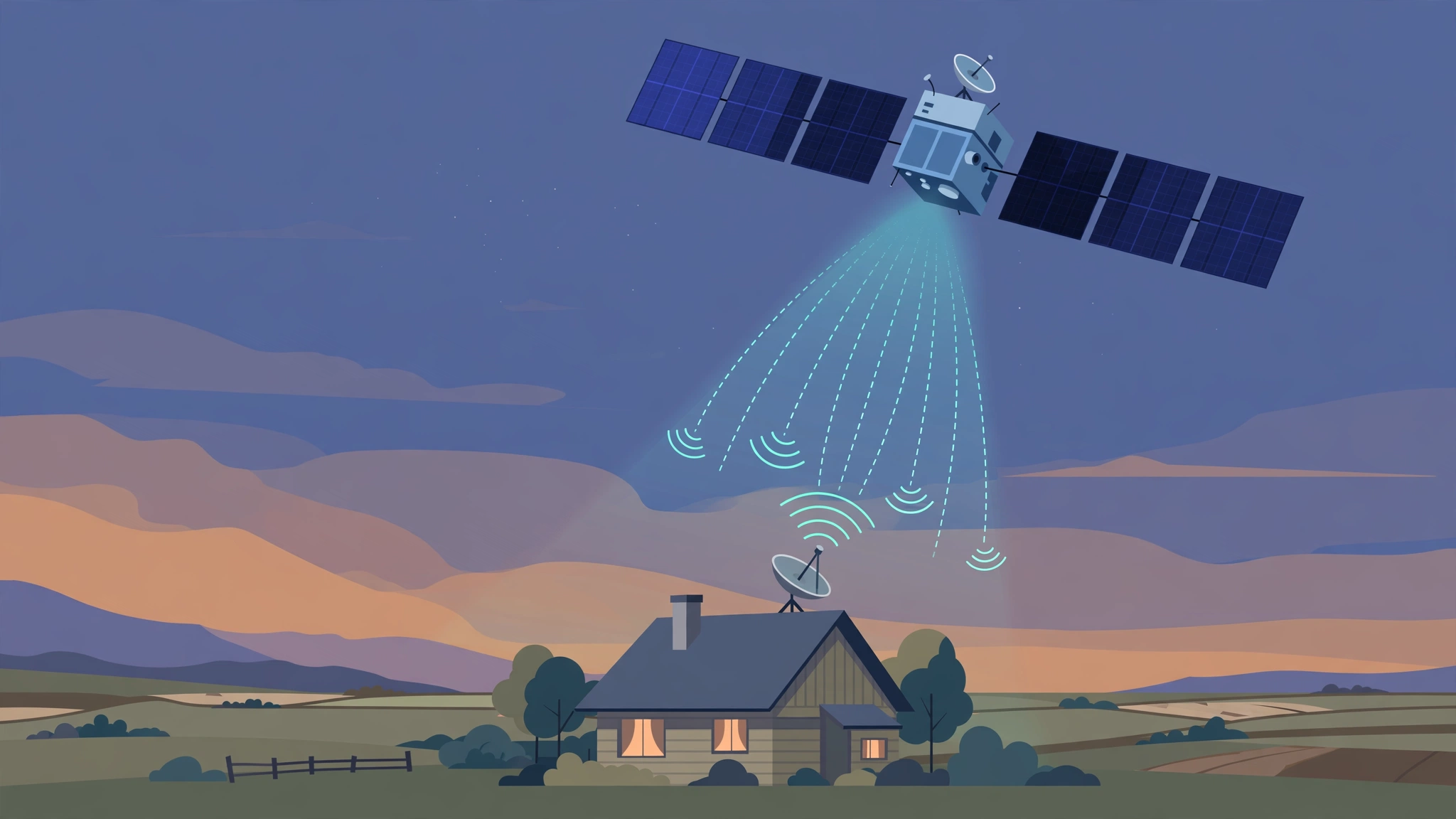
- Your dish sends a signal up. When you click a link, your modem passes the request to a small dish antenna outside your home, which beams it up to a satellite.
- The satellite relays it. The satellite receives your signal and sends it back down to a ground station — a large facility connected to the backbone of the internet.
- The ground station fetches the data. The ground station retrieves the web page, video, or file from the wider internet, just as any data center would.
- The reply makes the return trip. The data goes back up to the satellite and down to your dish, and your page loads.
All of that happens in a fraction of a second, but the distances involved explain satellite internet’s famous strength and weakness: it can reach almost anywhere on Earth, yet the signal has a long way to travel.
The Two Kinds of Satellite Internet
Geostationary (GEO) Satellites: The Old Guard
Traditional satellite internet uses a handful of very large satellites parked about 35,786 kilometers above the equator. At that height, a satellite orbits at exactly the speed Earth rotates, so it appears fixed in the sky. Your dish points at one spot and never moves.
The advantages are simplicity and coverage: one GEO satellite can serve a third of the planet. The disadvantage is physics. A signal must travel roughly 72,000 kilometers up and down, which takes about a quarter of a second each way. That delay — called latency — makes video calls awkward and fast-paced online games nearly unplayable. Speeds on older GEO plans were also modest, and monthly data caps were common.
Low Earth Orbit (LEO) Constellations: The New Wave
Newer systems take the opposite approach: thousands of small satellites orbiting only 300 to 1,200 kilometers overhead, moving fast across the sky. Your dish tracks them electronically and hands your connection from one satellite to the next every few minutes, while the satellites pass data among themselves — some newer models use laser links in space — and down to ground stations.
Because the satellites are roughly 60 times closer than GEO spacecraft, latency drops dramatically, often into the same range as a decent cable connection. Speeds are far higher too. The cost of that performance is complexity: you need thousands of satellites, constant launches to replace them, and sophisticated software to orchestrate the swarm.
What Speeds and Latency Can You Expect?
Real-world performance varies by provider, plan, weather, and how busy your area is, but the broad picture looks like this:
- LEO services: Commonly 50–200 Mbps download in many regions, with latency around 25–60 milliseconds — fine for streaming, calls, and most gaming.
- GEO services: Often 25–100 Mbps download on modern plans, but latency around 500–700 milliseconds, which you feel as a pause in conversations and controls.
- Upload speeds are usually much lower than download speeds on both types.
One honest caveat: satellite capacity over a given area is shared. In a crowded region at peak evening hours, speeds can dip. In a truly remote area with few users, performance is often excellent.
Who Satellite Internet Helps Most
Rural and Remote Households
The classic customer lives beyond the reach of cable and fiber, where the alternatives are slow DSL, patchy mobile data, or nothing. For them, modern LEO service is transformative: remote work, online classes, and telemedicine become realistic.
Ships, Aircraft, and Vehicles
Connectivity at sea and in the air has always depended on satellites. Cruise ships, cargo vessels, fishing fleets, airlines, and long-haul trains use satellite links because there is simply no other option mid-ocean. Recreational vehicles and expedition teams increasingly carry portable dishes for the same reason.
Backup and Emergency Connectivity
When hurricanes, earthquakes, or fires knock out ground infrastructure, satellite terminals can restore communications within hours. Aid organizations, journalists, and governments rely on this. Businesses also use satellite links as a backup so that card payments and operations continue during a local outage — often alongside cloud tools and AI automation that keep working once the connection returns.
Remote Industry
Mines, oil rigs, construction sites, farms with sensor networks, and scientific stations in polar regions all depend on satellite links to send data and keep people connected.
The Real Limitations
Weather Sensitivity
Heavy rain and snow can weaken the signal — a problem engineers call “rain fade.” Modern systems compensate with extra power and adaptive settings, and brief slowdowns are more common than full outages, but satellite links will never be as weatherproof as a buried cable.
Cost and Equipment
You typically buy or rent a dish kit, and monthly prices are often higher than urban cable for comparable speeds. For people with no alternative, the value is obvious; for city dwellers, fiber is usually the better deal.
Data Policies
Some plans, especially GEO ones, include priority-data thresholds after which speeds slow during congestion. Read the fine print before assuming “unlimited” means unlimited at full speed.
The View of the Sky
A satellite dish needs a clear view of the sky. Dense trees, tall buildings, and steep terrain can block the signal — a genuine challenge for LEO services, whose satellites sweep across the whole sky rather than sitting in one spot.
Space Debris and the Night Sky
Tens of thousands of new satellites raise fair questions about orbital debris and astronomy. Operators now build in de-orbit plans and dimming measures, and regulators increasingly require them, but the debate is ongoing and legitimate.
Satellite Internet vs the Alternatives
- Fiber: Faster, cheaper, and lower latency where available — but unavailable in most remote places.
- 4G/5G home internet: A great option where signal is strong; satellite wins where towers are far away.
- Fixed wireless: Local towers beam internet to rooftop antennas; cheaper than satellite but needs line of sight to a nearby tower.
- DSL: Still common in rural areas but often far slower than modern satellite.
The pattern is simple: satellite internet is rarely the best choice where good ground-based options exist, and often the only good choice where they do not.
Where Satellite Internet Is Heading
The next frontier is direct-to-phone service: ordinary smartphones connecting straight to satellites for texting and emergency messages in dead zones, with voice and data gradually following. Meanwhile, more LEO constellations are launching, which should increase capacity and competition. Expect coverage to keep expanding to the poles, oceans, and air routes — the places ground networks will never reach.
A Short History of Internet from Space
Satellite internet is older than most people realize. Early services in the 1990s were download-only: pages arrived by satellite while your requests crawled out through a dial-up phone line. Two-way GEO services arrived in the 2000s and quietly served rural homes, ships, and military units for two decades — functional, but slow and expensive. The LEO era began when launch costs collapsed thanks to reusable rockets, making it economically sane to place thousands of satellites in orbit instead of a few. Miniaturized electronics did the rest: a modern communications satellite can be built for a small fraction of what its ancestors cost, and phased-array antennas — the flat panels that steer beams electronically with no moving parts — turned the home dish from a motorized installation into something you can set up with an app.
How to Decide If Satellite Internet Is Right for You
Work through these questions in order:
- What else is available? Get honest quotes for fiber, cable, fixed wireless, and 4G/5G home internet first. If a wired option offers decent speeds, it will usually beat satellite on price and latency.
- What do you actually do online? Video calls, competitive gaming, and large households favor LEO’s low latency. Email, browsing, and streaming are forgiving and work on either type.
- Do you have a clear view of the sky? Walk your property with the provider’s obstruction-checking app before ordering. Trees and terrain are the most common reason installations disappoint.
- What is the total cost? Add the dish kit, any mounting hardware, and the monthly plan over two years. Compare that against alternatives over the same period, not just the headline monthly price.
- What happens in a storm? If your work depends on being online during severe weather, plan a backup — even a phone hotspot on a different network.
Inside a Ground Station
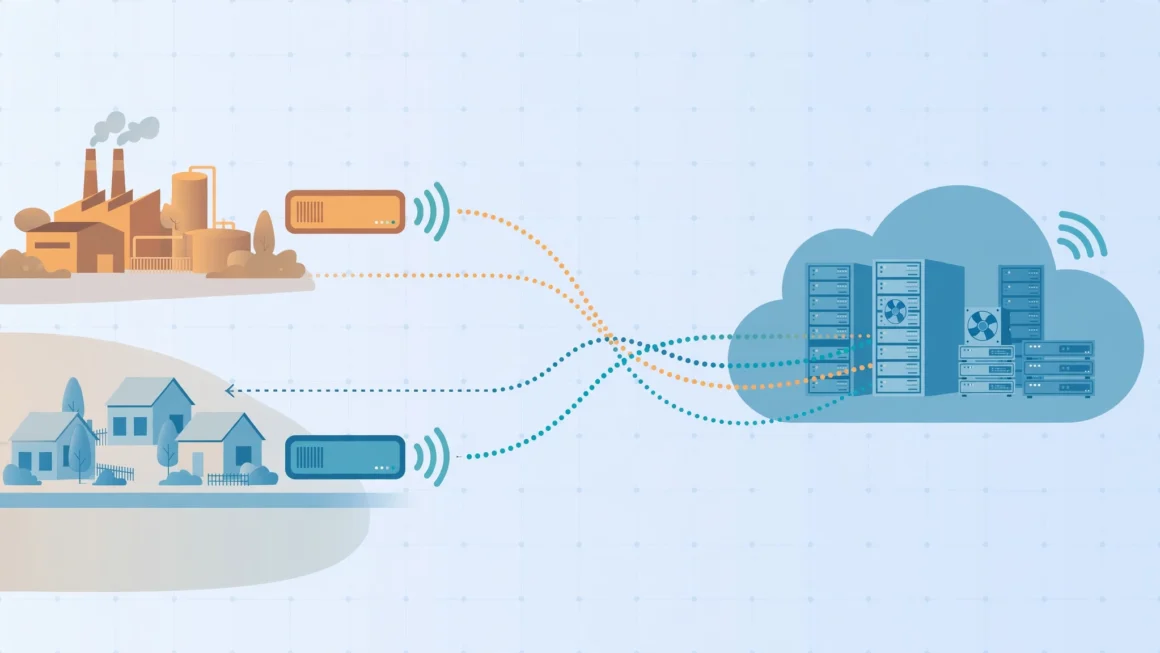
The unsung half of every satellite network sits on the ground. Ground stations — sometimes called gateways or teleports — are facilities full of large antennas that talk to the satellites overhead and plug directly into fiber backbones. A LEO network needs dozens of them spread across the globe so that a satellite is almost always within reach of one. Newer satellites with laser inter-satellite links relax this requirement by passing data through space to a satellite that can see a ground station, which is how service reaches mid-ocean regions far from any facility. When you use satellite internet, your data’s full path — dish, satellite, possibly several laser hops, ground station, fiber — may span three continents in under a second.
Environmental Questions, Taken Seriously
A sky filling with satellites deserves scrutiny. Each constellation satellite is designed to burn up completely on re-entry after roughly five years of service, which limits long-lived debris but means a permanent rhythm of launches to sustain the network. Astronomers have raised real concerns about streaks in telescope images and a brightening night sky; operators have responded with darker coatings, sunshades, and coordination with observatories, with partial success. Regulators in several countries now license constellations with conditions attached, and collision-avoidance systems automatically steer satellites around tracked debris. The honest summary is that satellite internet carries genuine environmental and scientific costs that the industry is actively — if imperfectly — working to reduce, and the trade-off against connecting billions of unconnected people will remain a live public debate.
Frequently Asked Questions
Can you play online games on satellite internet?
On modern LEO services, yes — latency is low enough for most games, including many competitive titles. On older GEO services, the half-second delay makes fast-paced games frustrating, though turn-based and casual games work fine.
Does satellite internet work in bad weather?
Usually, yes, but heavy rain or snow can slow it down or cause brief dropouts. Light weather has little effect. Keeping the dish clear of snow helps a lot.
Do I need a professional to install the dish?
Most modern consumer kits are designed for self-installation: mount the dish with a clear sky view, plug in the router, and use the provider’s app to align and activate. GEO installations are more often done by a technician because alignment must be precise.
The Bottom Line
Satellite internet turns the sky into infrastructure. The old geostationary systems proved the concept but were held back by distance; today’s low-orbit constellations fixed the latency problem by flying thousands of satellites close to Earth. The result is genuine broadband for the places cables forgot — farms, ships, aircraft, disaster zones, and remote workplaces. It costs more than city fiber and still respects the weather, but for the people it serves, satellite internet is not a compromise. It is the connection that finally showed up.